
Workflow design
Map the steps, rules, and approvals, then turn them into clear visual workflows.
Replace repetitive manual steps with reliable workflows. Shaaneiol Tech designs, builds, and supports n8n automations that connect your apps, data, and AI services.
Fewer manual tasks. Fewer errors. More time for real work.
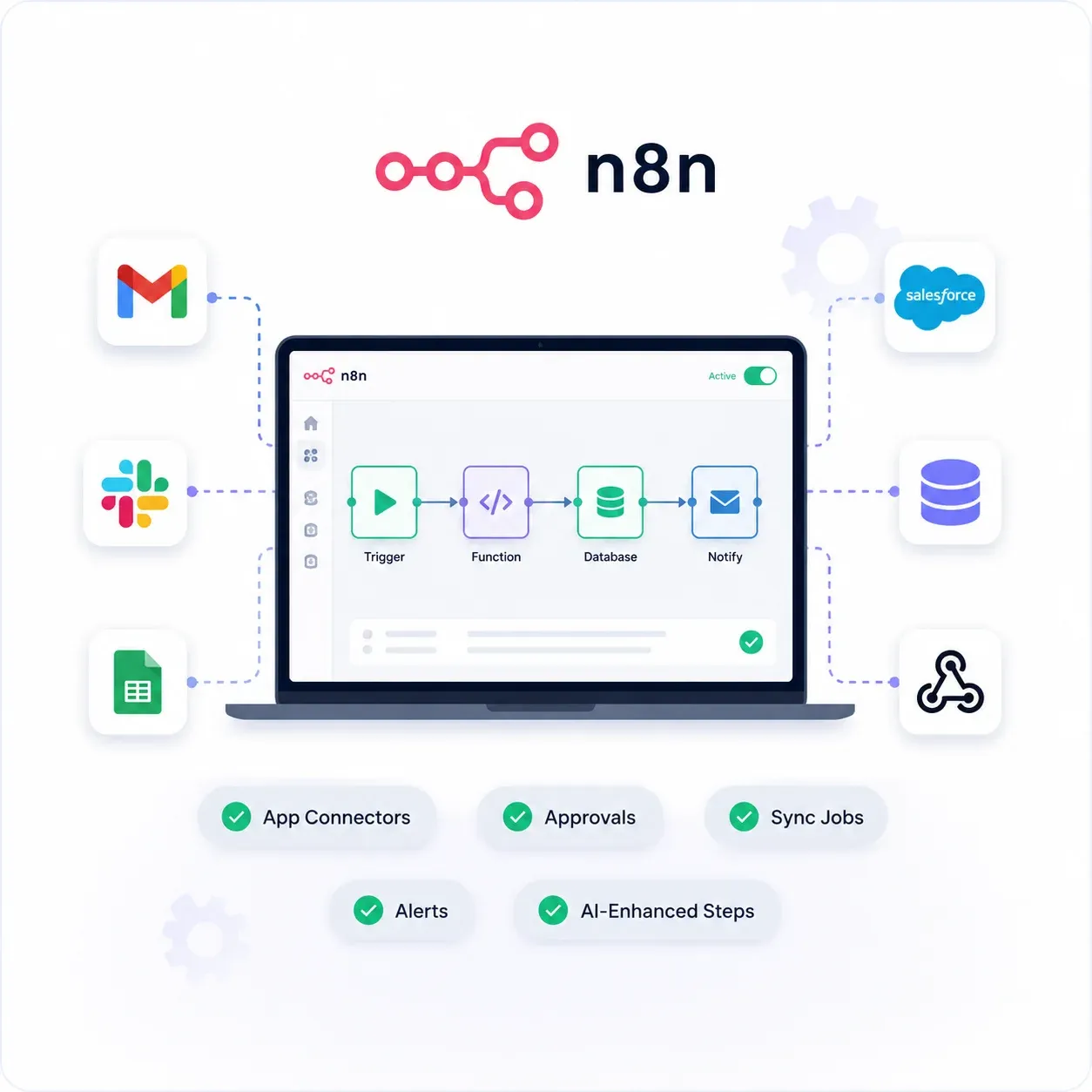
From a simple trigger to a monitored production flow, a connected approach to automating how work moves.
Map the steps, rules, and approvals, then turn them into clear visual workflows.
Connect CRMs, spreadsheets, email, databases, and APIs without custom code for each.
Run flows on a timer or the moment something happens in another system.
Add language and vision models to classify, summarize, and decide inside a flow.
Retry failed steps, log every run, and notify the right person when something breaks.
Run n8n securely on your servers or ours, with updates and backups handled.
A clear delivery path, with priorities you can understand and progress you can follow.
Walk through the manual process and find what to automate.
Plan triggers, data flow, and exceptions for each workflow.
Create and connect the workflow in n8n.
Run real cases, check results, and fix edge cases.
Monitor runs, handle changes, and keep flows healthy.
Find the repeated tasks that cost the most time and connect them end to end.
Working flows. Clear documentation. Alerts when it matters.
A clear picture of the steps before and after automation.
Tested n8n workflows running on your data.
Credentials and integrations set up securely.
Retries, logs, and notifications for failed runs.
How each workflow works and how to change it.
Monitoring and updates after launch.
Build workflows with clear logic, proper error handling, and documentation, so they keep working as your business changes.
Design workflows around how work really flows, add checks and alerts, and document every step so your team can trust and change them.
Real cases run through every flow first.
Logs and alerts show problems the moment they happen.
Credentials stored safely and access kept minimal.
Clear documentation so your team can maintain flows.
Can’t find what you need? Let’s have a quick, no-pressure conversation.
Cost depends on how many workflows, apps, and exceptions are involved. We quote per workflow or as a monthly plan, with hosting shown separately.
You can host it yourself or use our managed setup. We help you choose based on security needs, volume, and budget.
A simple workflow can be live within days. Larger flows with several systems and approvals usually take a few weeks.
Failed steps retry automatically, every run is logged, and the right person is alerted so problems are fixed quickly.
Connect your tools and remove repetitive work with a team that builds automation you can trust.